...Un '10' casualmente acompañado de un publirreportaje 'on-line'...:
18.777 18-11-2010 20:35:22
Re: Bang Bang Busters (AES) (9 respuestas, enviadas el Hablemos de juegos)
"Neo Conception International" [...]. Y yo que pensaba que nadie podría superar lo de "NG: Dev. Team"...
No sé si será francés (¿de dónde procede todo esto originalmente?), pero de los Japones es seguro que no es; "action platform game" nunca saldría de un asiático...
Pero muy interesante, ¡gracias mil! Siempre pensé que si esto hubiera aparecido cuando tuve la máquina, habría caído en mis manos en el momento de su salida. Si de verdad consigue publicarlo al fin, se le puede perdonar hasta el nombre. Ahora, dudo que salga en "AES" bajo licencia de Visco -- una compañía seria no va a consentir ilegalidades (o 'alegalidades') bajo su nombre, y NG es un sistema oficialmente clausurado. Otra cosa es MVS, que parece SNK-P ha liberado recientemente.
Lo dicho; interesantísimo. Incluso solo el vídeo, ya.
18.778 17-11-2010 15:55:39
Re: Nos queda el doujin. (4.320 respuestas, enviadas el Hablemos de juegos)
...Y nuevo vídeo:
18.779 17-11-2010 15:54:07
Re: Danganronpa (PSP). (28 respuestas, enviadas el Hablemos de juegos)
http://www.youtube.com/watch?v=KPe4KRyXVuU
10 - 9 - 8 - 9 en Famitsu.
18.780 17-11-2010 15:44:11
Tema: RPG Dasshutsu Game (DSI). (0 respuestas, enviadas el Hablemos de juegos)
'Dasshutsu' es 'huída', y es en lo que se centra este explorador de mazmorras a lo Wizardry para uso intensivo del 'stylus'. Viene la semana próxima para DS-I Ware de la mano de Hudson, con Intense en el desarrollo y Koshiro para las melodías:


18.781 17-11-2010 15:32:18
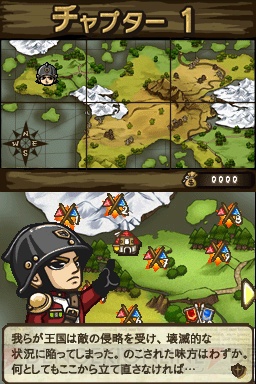
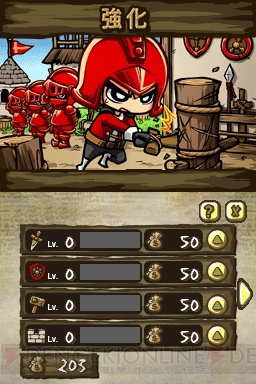
Tema: Arc Style: Totsugeki! Castle Attackers (DSI). (0 respuestas, enviadas el Hablemos de juegos)
Estrategia en tiempo real para los primeros juegos de la nueva línea de Arc System Works para DS-I Ware:
18.782 17-11-2010 15:27:46
Re: Fuurai no Shiren 5 ~Fortune Tower to Unmei no Dice~ (DS). (11 respuestas, enviadas el Hablemos de juegos)
18.783 17-11-2010 15:26:23
Re: Curiosidades, en este hilo. (2.232 respuestas, enviadas el Hablemos de juegos)
Image Epoch anuncia su estreno como editora de esta manera:
18.784 17-11-2010 15:15:17
Re: Tatsunoko vs. Capcom ~Cross Generation of Heroes~ (ARC). (104 respuestas, enviadas el Hablemos de juegos)
Al contrario que en SFIV, yo diría que lo hortera aquí tiene su porqué, su premeditación. Y en cierto sentido, funciona perfectamente. Ahora, de estar el juego en manos de Eighting, no creo que en la dirección artística les hayan dado voz ni voto.
Tiene fecha para el 17 de Febrero según Famitsu, por cierto.
18.785 16-11-2010 02:49:57
Re: Curiosidades, en este hilo. (2.232 respuestas, enviadas el Hablemos de juegos)
Fiesta del juego antiguo en Super Potato delebrada la pasada semana, para 300 afortunados:
18.786 16-11-2010 02:47:40
Re: Criminal Girls (PSP). (11 respuestas, enviadas el Hablemos de juegos)
Nuevo vídeo, a dos días de su salida:
18.787 16-11-2010 02:44:44
Re: Tatsunoko vs. Capcom ~Cross Generation of Heroes~ (ARC). (104 respuestas, enviadas el Hablemos de juegos)
18.788 12-11-2010 18:47:07
Re: Nekketsu Koukou! Kunio-kun Online (WIN). (5 respuestas, enviadas el Hablemos de juegos)
18.789 12-11-2010 18:42:59
Re: Buscando juegos de PS2 (y quizás PC) que se lleven con mi stick (5 respuestas, enviadas el Hablemos de juegos)
Para PS la lista sería kilométrica, porque al ser los controles analógicos un añadido a posteriori, la enorme mayoría de los juegos (de acción o no) se hicieron compatibles con los mandos originales, cuando no diseñados especialmente para éstos (buenos tiempos...). Así que casi que mejor acotes el campo de antemano con tus géneros preferidos. Nuestro Listado, de todos modos, es una buena forma de obtener una respuesta -- el 99% de lo que encuentres ahí y sea de acción, va a ser apto para 'arcade stick'.
18.790 12-11-2010 14:44:36
Re: Nos queda el doujin. (4.320 respuestas, enviadas el Hablemos de juegos)
Recap escribió:
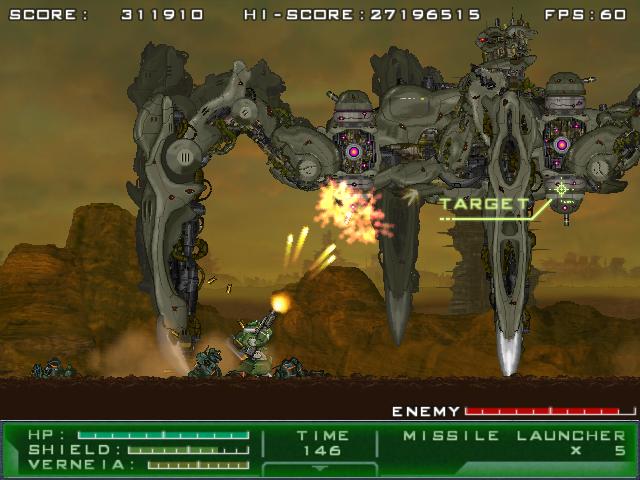
Gigantic Army (WIN, no gratuito)
Acaba de salir la primera 'demo' de este prometedor clon de Valken, con gráficos en alta y bastante agilidad, de los creadores de Armed Seven.
http://www.interq.or.jp/saturn/takuhama/ga.html
Vídeo aquí: http://www.doujingame.com/date-20100723
Salió:
18.791 12-11-2010 14:41:27
Re: Dos nuevas propuestas para "arcades" de Idea Factory. (5 respuestas, enviadas el Hablemos de juegos)
Parece que va a ser finalmente en Diciembre cuando se distribuya Ocha-Ken no Puzzle en Japón. Le seguirá en 2011 Jigsaw World Arena y un "juego de acción" por revelar:
18.792 12-11-2010 14:32:49
Tema: Gradius Ultimate Collection (álbum). (6 respuestas, enviadas el Hablemos de juegos)
Se anuncia en Konami Style un álbum musical con 8 CD y un libreto. Recopila las bandas sonoras de los 'arcades' de la saga, incluyendo Solar Assault, así como las de Gradius Gaiden y los episodios originales de MSX y GB, por 12.600 yen:
18.793 12-11-2010 14:24:51
Re: Trouble Witches, camino al mercado profesional. (63 respuestas, enviadas el Hablemos de juegos)
Primer vídeo explicativo de Neo!:
18.794 12-11-2010 14:19:29
Re: Makai Senki Disgaea 4 (PS3). (16 respuestas, enviadas el Hablemos de juegos)
18.795 11-11-2010 22:21:39
Re: Eschatos (X360). (11 respuestas, enviadas el Hablemos de juegos)
locomotic escribió:
lolitas
Y yo que estoy convencido de que no las tiene por falta de presupuesto...
Lo que me pregunto es si es justo por esa carencia por lo que lo han publicitado como de "sabor ochentero", porque no he sido aún capaz de vérselo por ningún maldito lado. ¿La perspectiva eventual a lo Silpheed, quizás?¿?
Y más allá de lo de los fondos de pantalla (quién en su sano juicio juega estas cosas en monitores panorámicos, de todas formas...), discrepo en lo de los personajes de Bullet Soul, por supuesto. Qué nos jugamos a que son al final lo mejor del programa.
18.796 11-11-2010 22:07:42
Re: Buscando juegos de PS2 (y quizás PC) que se lleven con mi stick (5 respuestas, enviadas el Hablemos de juegos)
Entiendo que, básicamente, estás preguntando por juegos recomendables para PS2 originales y aptos para 'arcade stick', de modo que te muevo el hilo.
La lista del millón, directamente de mi archivo personal:
GEKISHA BOY 2 TOKUDANE TAIKOKU NIPPON*
TALES OF DESTINY 2*
TOUKON INOKIMICHI PUZZLE DE DAAA!
BOMBER MAN LAND 2
SEGA AGES 2500 SERIES VOL. 6 / ICHI NI NO TANT-R TO BONANZA BROS.
SIMPLE 2000 SERIES VOL. 49 / THE DODGE BALL WORLD CHAMPION DODGE BALLER*
GRADIUS V
POCHI TO NYAA
TALES OF REBIRTH*
THE KING OF FIGHTERS '94 RE-BOUT
YS III WANDERERS FROM YS
SUMMON NIGHT EXTHESE YOAKE NO TSUBASA*
DUEL SAVIOR DESTINY
SEGA AGES 2500 SERIES VOL. 23 / SEGA MEMORIAL SELECTION
PLUS PLUMB 2
ODIN SPHERE
TALES OF DESTINY DIRECTOR'S CUT*
SEGA AGES 2500 SERIES VOL. 33 / FANTASY ZONE COMPLETE COLLECTION
Los marcados con asterisco, francamente, desconozco/no recuerdo si admiten control digital u obligan al 'stick' analógico como Shining Tears / Shining Wind, aunque, por su naturaleza, parece poco probable. Las cosas a priori no originales figuran por tener dosis suficientes de contenido nuevo para considerarlas originales, aunque siempre he pensado que PS2 es un sistema al que hacen grande las traslaciones, de modo que esa lista queda profundamente desnutrida. De hecho, hay que cogerla con cierto escepticismo, porque la mayoría, o son títulos menores, o solo te harán tilín si comulgas con sus respectivos géneros (lo que nos llevaría en realidad a añadir los Faipuro e incluso R-Type Final). Realmente imprescindibles, además de tu Odin Sphere, yo solo apostaba por Gradius V y, quizás, Exthese, por su talante.
Con respecto a la conmutación de 'analog', lo que vine a decir, si no recuerdo mal, es que algunos juegos exigen su desactivación para poderse jugar en 'modo digital'. Aunque no me preguntes cuáles...
18.797 11-11-2010 14:08:13
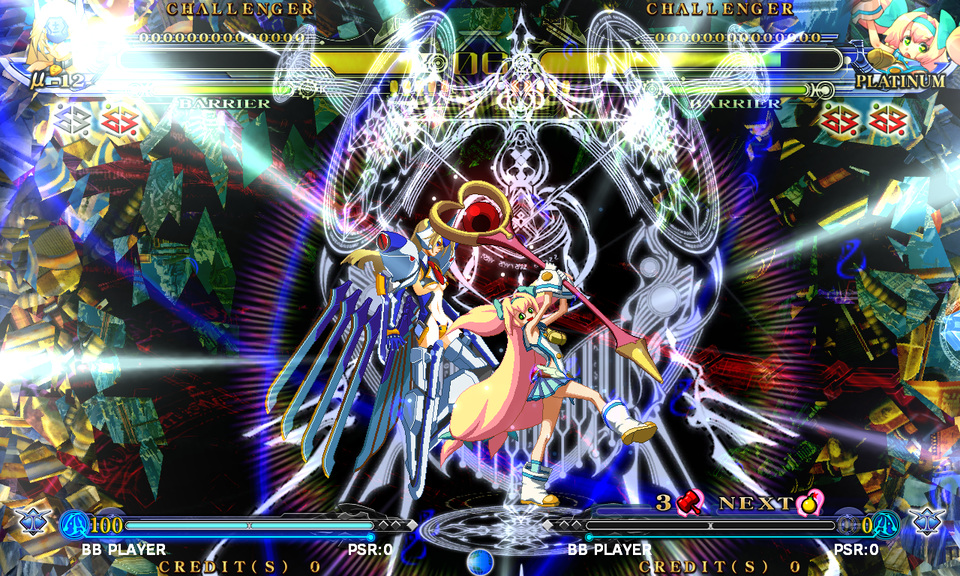
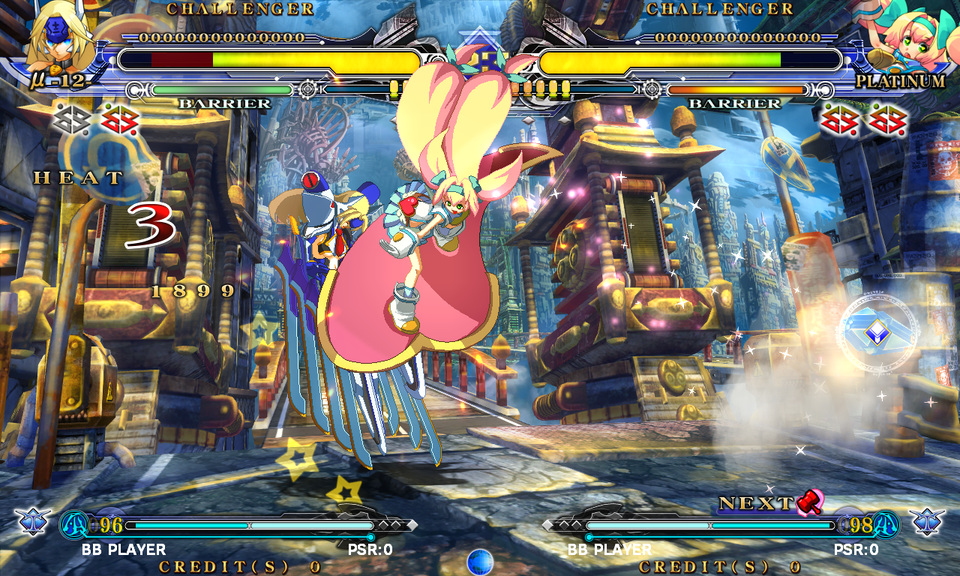
Re: Blaz Blue Continuum Shift (ARC). (65 respuestas, enviadas el Hablemos de juegos)
18.798 11-11-2010 13:56:09
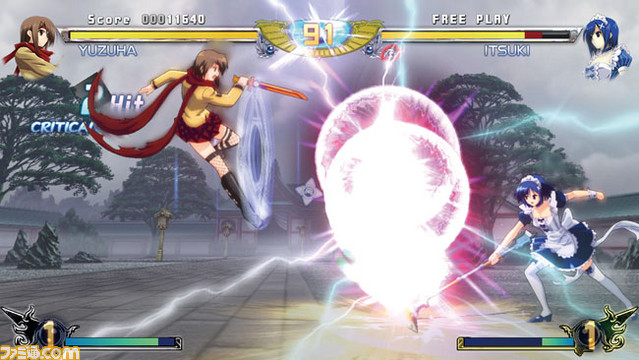
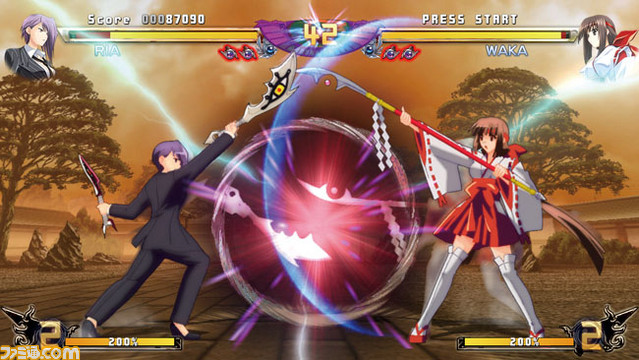
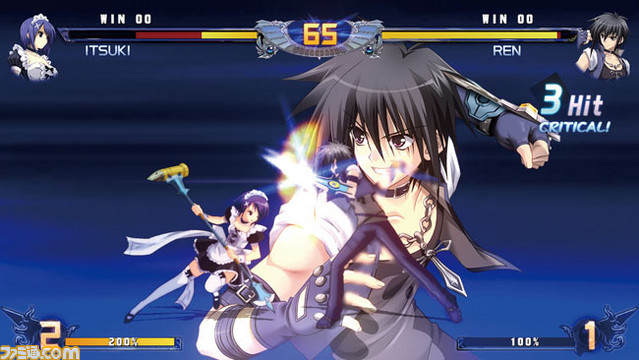
Re: Phantom Breaker. (29 respuestas, enviadas el Hablemos de juegos)
18.799 11-11-2010 13:50:50
Re: Eschatos (X360). (11 respuestas, enviadas el Hablemos de juegos)
Sitio oficial inaugurado con el vídeo promocional:
http://eschatos.qute.jp/movie.html
Game Nyarth 1.0 nos anima a buscar las semejanzas con el Judgment Silversword de WS:
http://www.youtube.com/watch?v=ZWMj7F5B2EQ
Capturas a su resolución nativa:
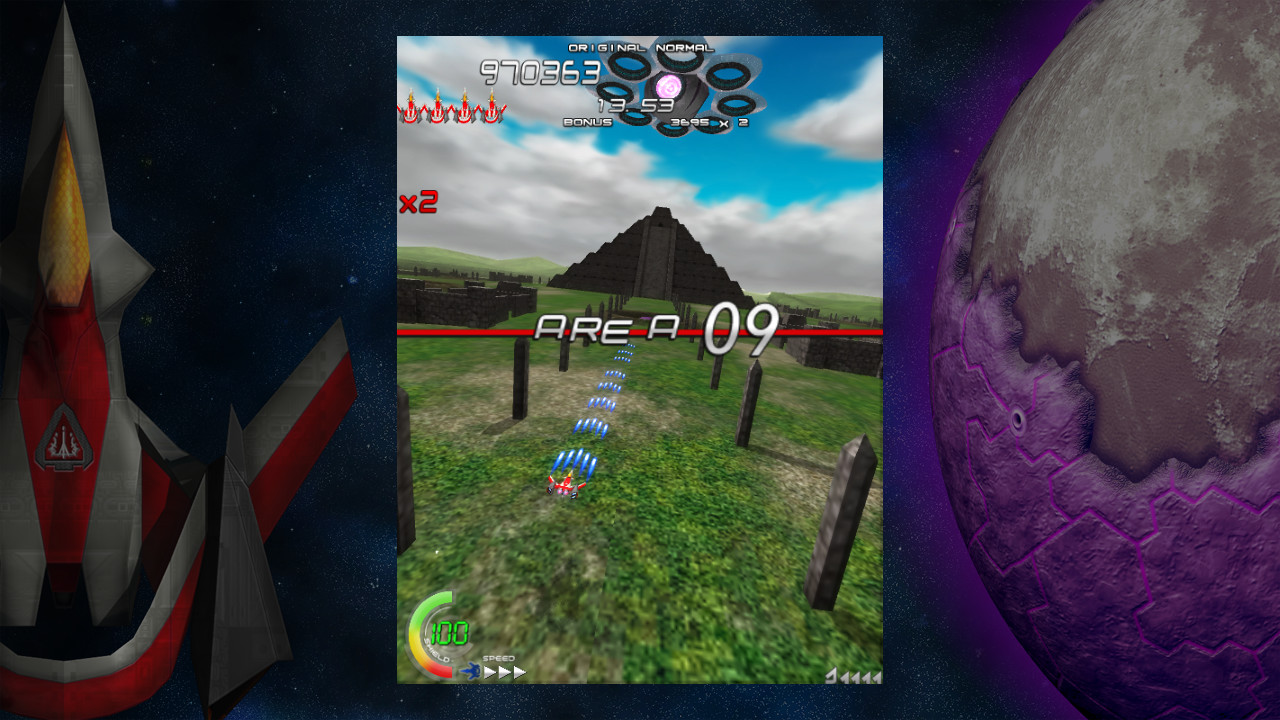
http://game.watch.impress.co.jp/docs/ne … 06170.html
¿Más feo que Mamo-Noro? Hum...